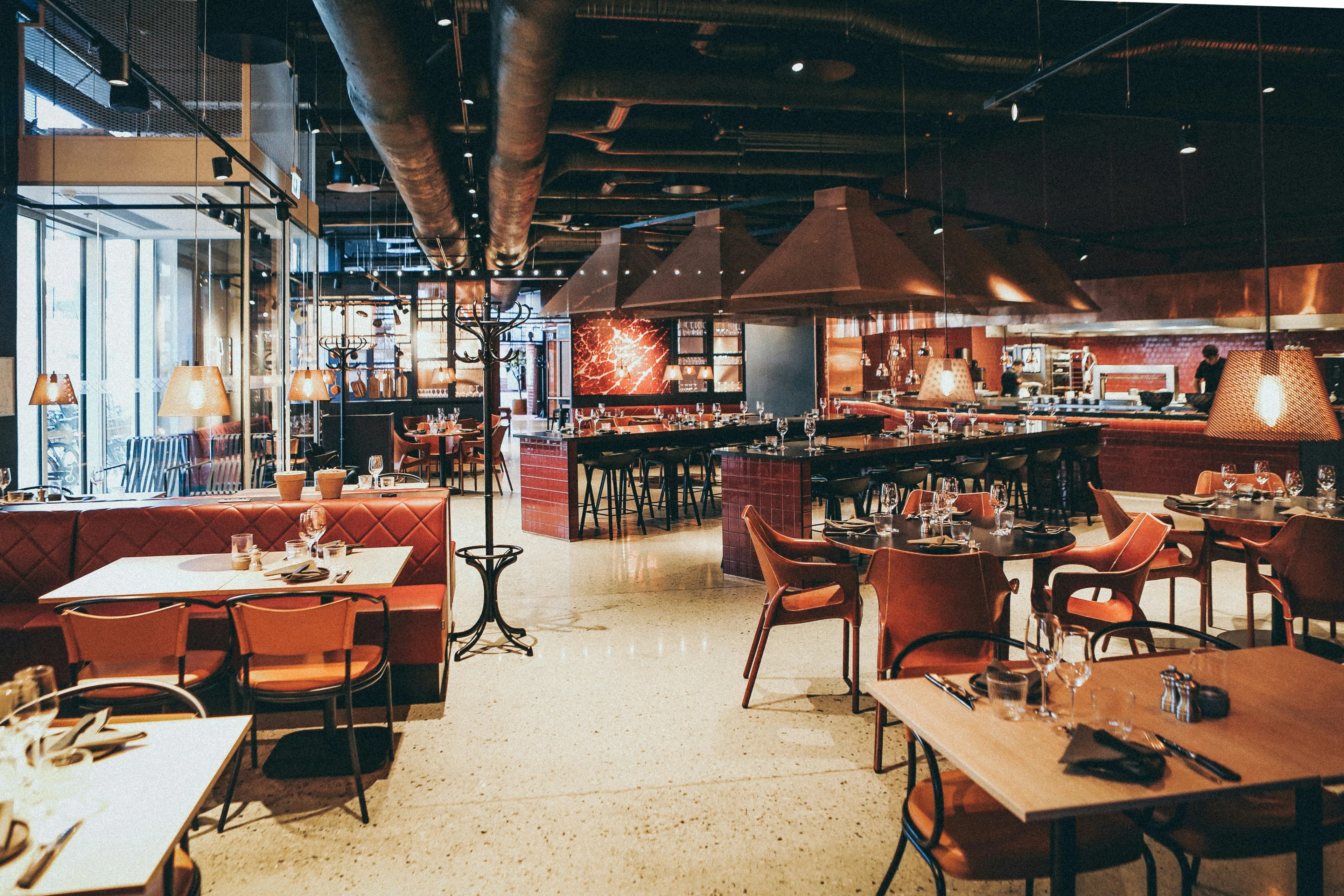
The Symphony of Service.
A frictionless ecosystem. Discover how DineOS unifies the Waiter, Chef, Cashier, and Manager in milliseconds.
The Perfect Order Flow
DineOS removes the friction between front-of-house and back-of-house. Let's walk through a standard service scenario.
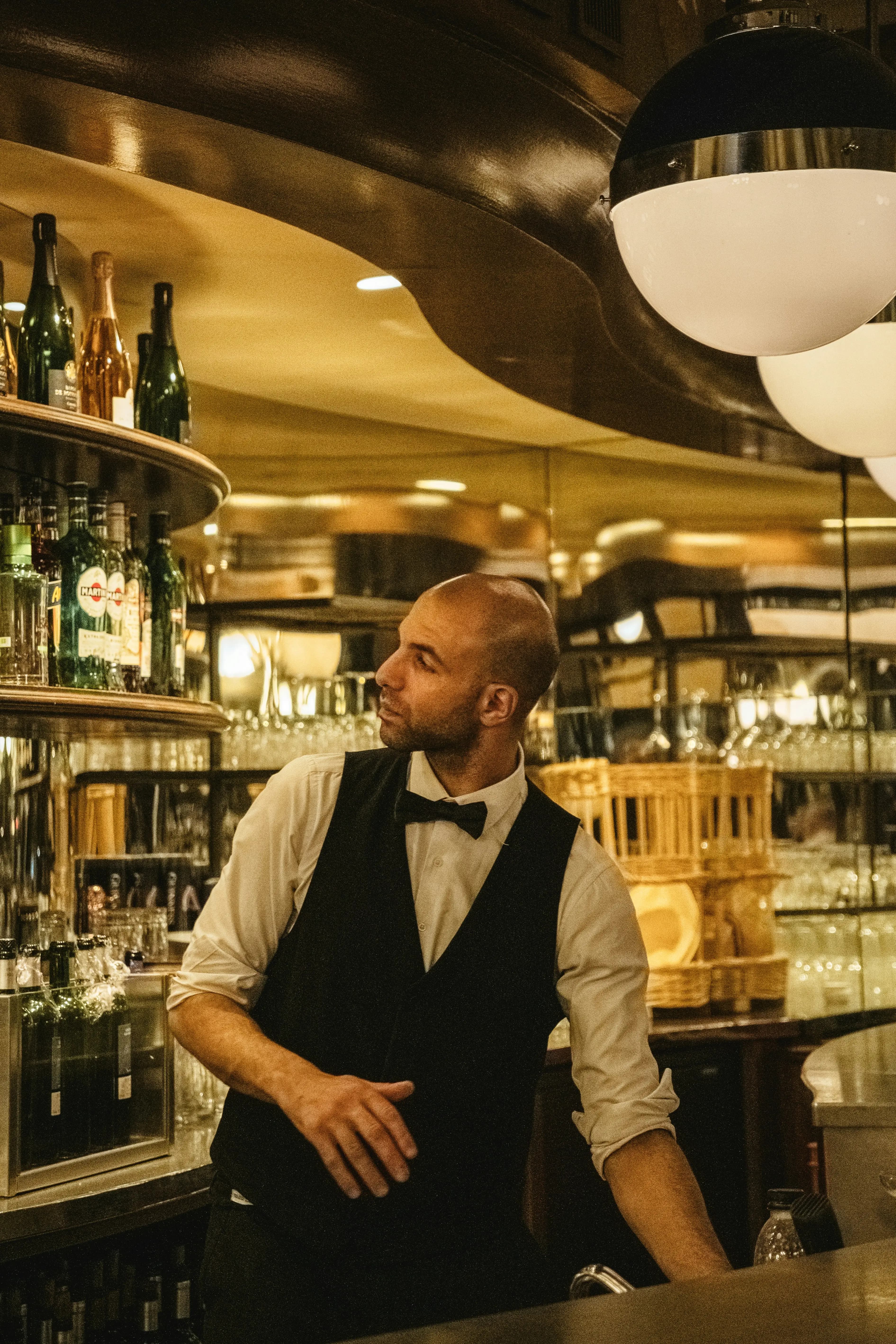
Step 1: The Floor
Instant Firing.
A guest takes a seat. The Waiter taps the table on their tablet, immediately marking it as occupied. They take the order, selecting items and applying custom modifiers.
The moment they press Fire Order, WebSockets broadcast the data. There is no refreshing, no waiting. The order is instantly injected into the kitchen's workflow.
Step 2: The Kitchen
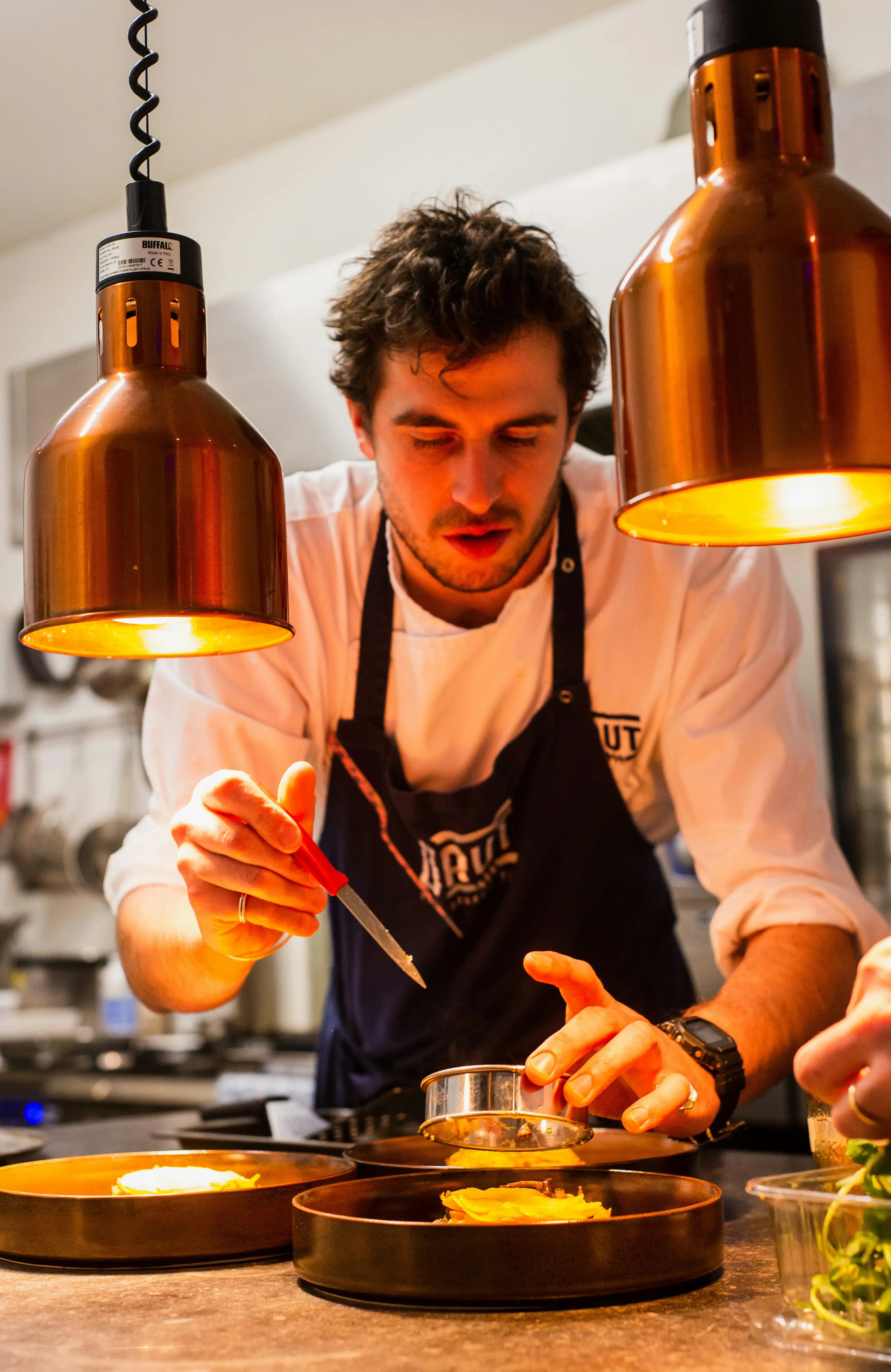
Precision Cooking.
The Chef sees the new ticket populate on the Kitchen Display System (KDS) with a live running timer. They begin prepping.
Once the dish is cooked, the chef taps Done. Instantly, the Waiter's tablet updates, shifting the item status to Completed, signaling that the food is ready to be run to the table.
Step 3: The Register
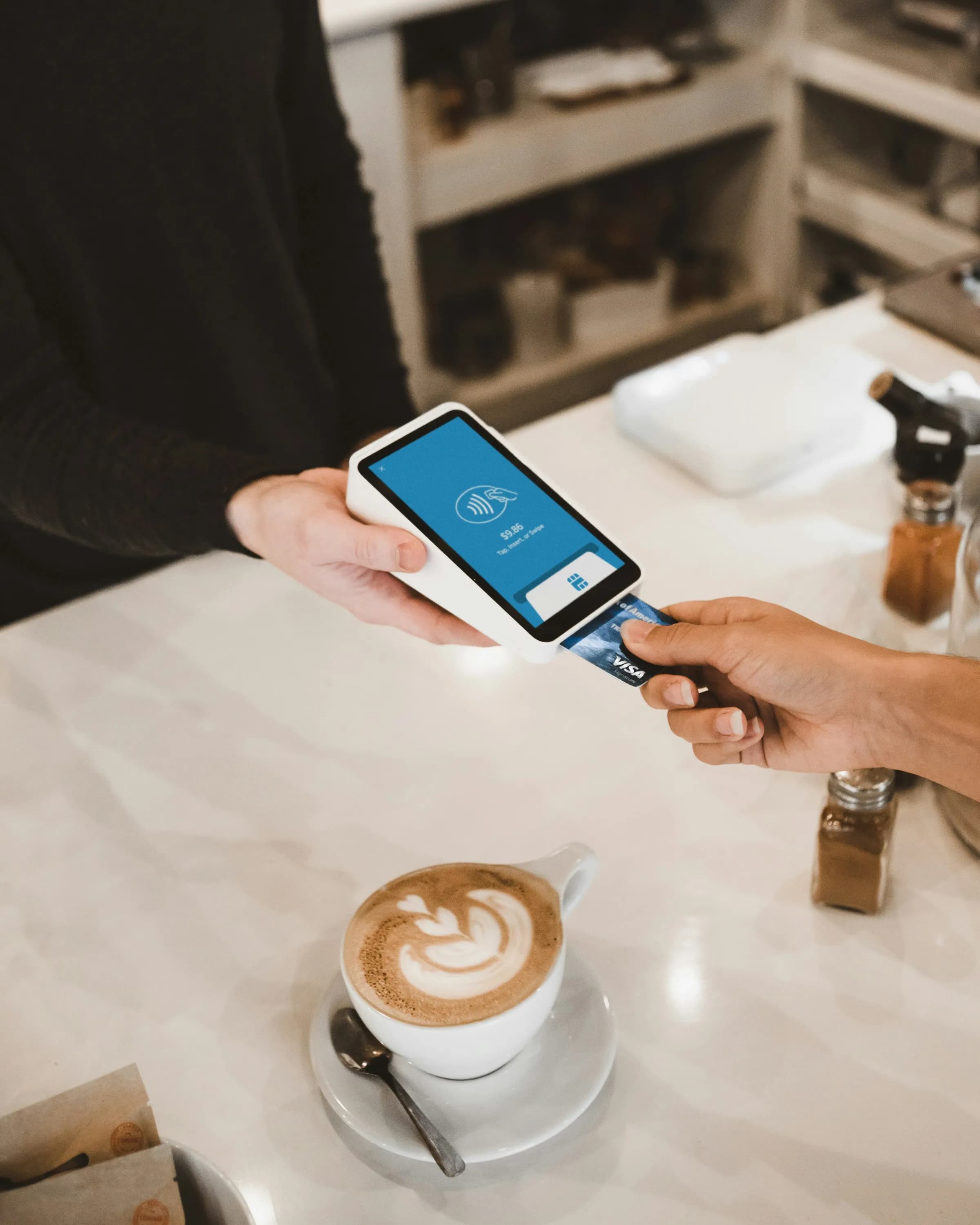
Seamless Checkout.
The guests finish their meal and head to the reception. The Cashier doesn't need to ask for a ticket. They pull up the active table and see the perfectly synchronized bill.
Using the advanced Bill Splitter, the cashier can divide the check equally or by custom amounts. Once settled, the table is freed globally.

Step 4: The Office
Omnipresent Control.
Behind the scenes, the Manager is watching the entire restaurant breathe. Every fired order, completed dish, and settled check hits the Manager Dashboard with sub-second latency.
Revenue charts spike in real-time, and live metrics reflect the exact heartbeat of the floor, empowering management to make instantaneous, data-driven decisions.
Experience It Live
Reading about milliseconds is one thing; witnessing it is another. Follow this interactive guide to simulate a full restaurant lifecycle and experience the true power of WebSockets.
Terminal Assembly
To see the ecosystem breathe, you need eyes on every station. Open the following four modules in separate browser tabs, or distribute them across multiple monitors.
The Execution
- 1Seat the Guests
Navigate to the Waiter Terminal. The interactive floorplan shows the live status of all tables. Click on any green (Free) table to seat your virtual guests. The table will immediately snap to yellow (Occupied).
- 2Fire the Order
With the table selected, expand the Menu Catalog on the right. Build a feast by adding appetizers and mains to the cart. Don't forget to add a custom modifier like "Extra Spicy". When ready, hit the bold Fire Order button.
- 3Cook & Bump
Switch instantly to the Kitchen Display System (KDS). The items you fired are already flashing on the board with a live running timer.
Click Done on the tickets to bump them. If you peek back at the Waiter Tab, you'll see those exact items have dynamically shifted to "Completed", signaling the floor staff to run the plates.
- 4Settle the Bill
The meal concludes. Open the Cashier Terminal. The table is glowing red, awaiting settlement. Open it to access the advanced Bill Splitter. Divide the check evenly or enter custom amounts. Click Collect Payment to close the order, instantly freeing the table globally.
- 5The Omnipresent Manager
Finally, enter the Manager Dashboard. Without ever hitting refresh, you will see the revenue charts, live order counts, and cross-outlet metrics fully updated, reflecting the exact milliseconds of the transaction cycle you just completed.